Readers looking for rodin ai will find a practical breakdown of how Hunyuan3D turns a reference image into a textured mesh, with guidance on preparing inputs and judging shape and paint separately.
An image-to-3D result is easier to judge when you separate the shape it invented from the color it applied. Here is how Hunyuan3D handles those jobs, how to prepare a useful reference image, and which route to take when you want to make a model.
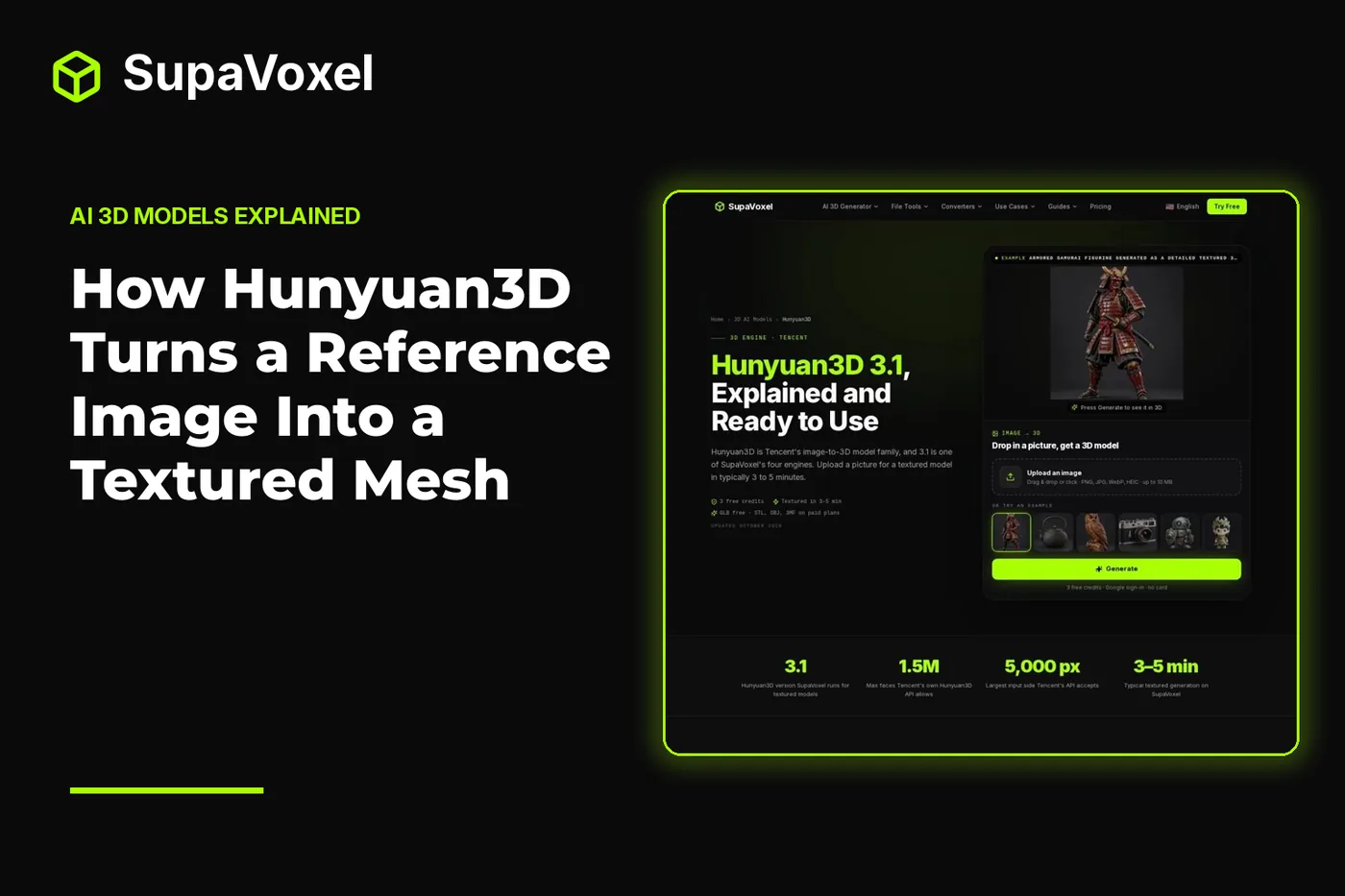
The short version
- Hunyuan3D predicts a closed shape from the reference, then uses a separate paint model to add color and material.
- A three-quarter view, a clear subject and a simple background give the shape stage more useful evidence.
- Inspect geometry and texture separately. A convincing paint job cannot fix an incorrect silhouette.
- Use Tencent’s service for Hunyuan3D 3.x, self-host open 2.x weights if that suits your setup, or use an independent generator if you simply need a model from an image.
How shape and paint divide the work
The Hunyuan3D model overview explains Tencent’s image-to-3D family and its separate shape and paint stages. That separation is the useful idea to keep in mind while preparing an image or reviewing a result.
The shape model predicts a full mesh, including surfaces the camera never saw. Give it a photo of a mug from the front, for example, and it still has to decide what the far side looks like and how the handle joins the body. The photo provides evidence, not a complete specification. If the hidden side matters, more reference views can reduce that ambiguity; Hunyuan3D 3.1 accepts several views of the same object.
The paint model then applies color and material to the predicted surface. This is a different task from making the shape. A dark line in the image might be a groove that belongs in the geometry, a painted stripe that belongs in the texture, or a shadow that should not become a permanent feature. Looking at the mesh without its texture helps you tell which interpretation the system chose.
That distinction also makes revisions more purposeful. If a handle is the wrong shape, changing the image’s colors is unlikely to solve the real problem. If the shape reads correctly but the finish looks muddled, judge the reference’s lighting and visible surface detail instead.
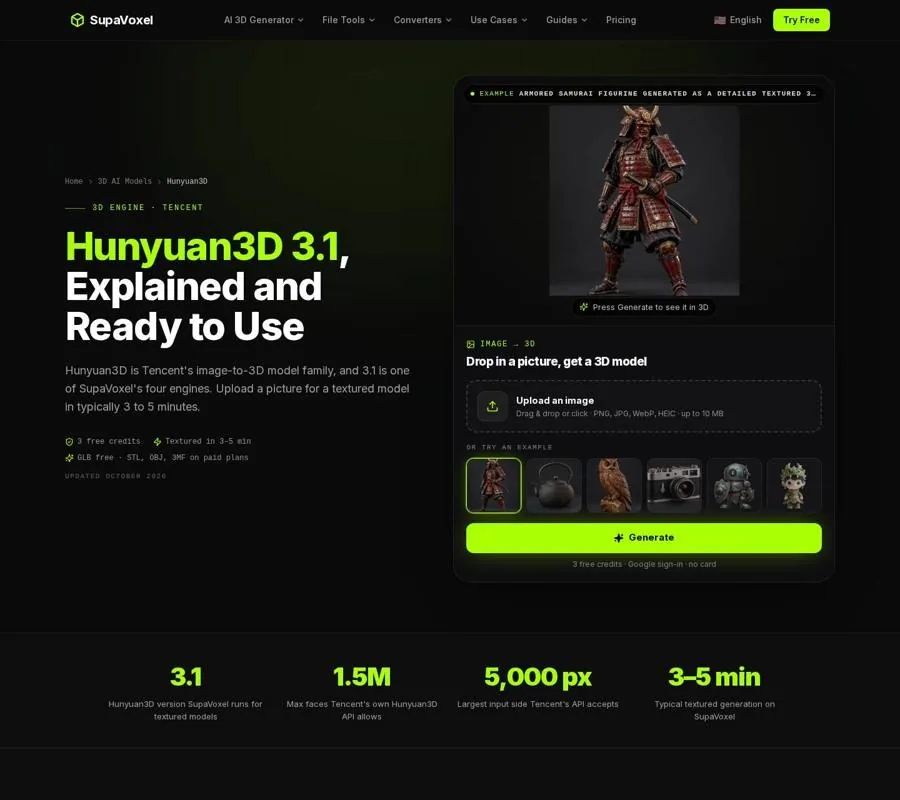
The Hunyuan3D page separates model details from examples, making it a useful reference when you inspect an output.
Prepare a reference that describes volume
I treat the input picture as a set of clues about depth, not just as something the texture should resemble. These checks help before I submit an image:
- Choose a three-quarter view. It shows the front and a side at once. A straight-on image can describe an outline well while concealing how far parts project or recede.
- Keep one subject in frame. Several nearby objects can be interpreted as one connected form. If the goal is a single prop, make its boundary obvious.
- Give the subject room to be seen, not room to get lost. Hunyuan3D’s input advice calls for an object filling at least half the frame and an image with at least 512 px on the short side. A tiny subject gives the model less information about its edges and surface.
- Prefer a plain background. A busy setting makes it harder to tell where the object ends. Even, soft light is useful too: a strong cast shadow can look like part of the subject.
Consider a product photo with a prominent side attachment. A three-quarter view shows both its projection and its connection to the main body. A front view might leave the model guessing at both. Neither picture reveals everything, but one asks it to invent less.
Do not expect thin wires, individual hair strands, glass or lettering to transfer faithfully just because they look sharp in a photo. Those are known weak spots for Hunyuan3D. If one is essential to the design, plan to inspect it in the geometry rather than trusting the preview image.
Inspect the shape before the paint
Once you have a result, look past the appealing color. Rotate the model and ask whether its silhouette makes sense from views the input did not show. Pay particular attention to attachments, recesses and transitions between parts. Those are places where an uncertain guess becomes obvious.
A closed mesh is valuable because it gives you a continuous surface to work with. Hunyuan3D aims to produce solid, closed shapes, but “closed” does not mean “the intended shape.” A misplaced attachment can be perfectly enclosed. Nor does a detailed texture prove that a carved pattern exists as geometry. If that pattern needs to cast a real shadow or survive a physical print, inspect the untextured form.
I also check what the model did with empty space. Did it preserve the gap beneath a handle, or fill it? Did a narrow opening become a shallow dark patch? These questions concern the shape stage, even when the input’s colors make the feature look convincing. If the answer is wrong, try a clearer angle or another view of the same object before worrying about surface finish.
Inspect the paint as a separate pass
Now judge the textured result. Hunyuan3D’s paint stage adds color and material after shape generation; its output can include PBR material maps. That can make a model useful under different lighting, but the reference still matters. A photograph with a large highlight or deep shadow gives the system a harder job: it must distinguish the object’s actual finish from the conditions under which it was photographed.
Rotate the model under the viewer’s lighting and look for color that remains plausible across the surface. Check whether details visible in the reference continue naturally around the sides, or appear only where the camera originally saw them. A texture may be attractive from the input angle while making little sense from behind.
Keep your intended use in view. For a game prop, painted marks may convey the necessary detail without adding geometry. For a physical object, the slicer works from the mesh; a stripe in the texture does not become a raised ridge. That is why I decide whether a feature is shape or appearance before deciding whether the result is finished.
Know when a different model fits the image
Hunyuan3D’s preference for closed shapes is helpful for many solid objects, but it is not the only useful approach to image-to-3D. If your subject depends on open leaves, lace-like gaps or translucent material, compare the geometry each model is designed to preserve.
The Hunyuan3D vs TRELLIS 2 comparison is useful at that decision point: it contrasts Hunyuan3D’s watertight output with TRELLIS 2’s handling of thin, open and non-manifold surfaces. Non-manifold geometry includes edges that do not define an ordinary closed solid. It can describe a visually useful open structure, yet cause trouble when a slicer expects a printable volume.
I would start with Hunyuan3D for a solid object whose silhouette should closely follow a reference. I would investigate TRELLIS 2 when closing every surface would destroy the character of the subject. Neither choice removes the need to inspect the output: a model that looks right in a viewer may still need work for its destination.
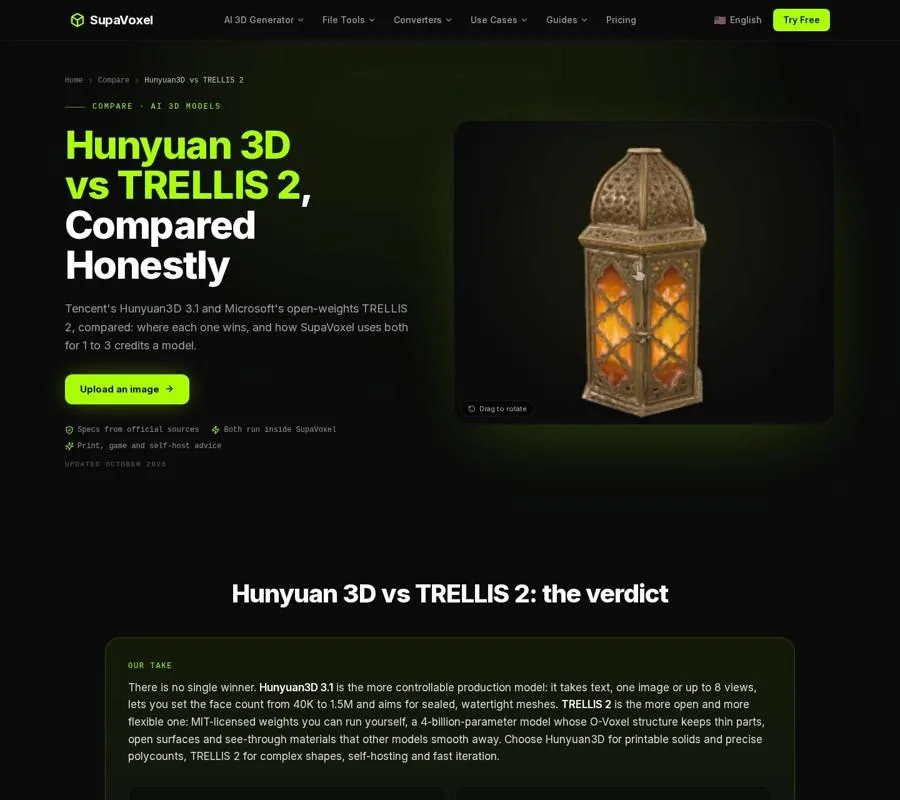
The comparison page lays out why closed solids and open structures call for different model choices.
Choose a route from image to file
If you specifically need a Hunyuan3D result, Tencent offers the hosted 3.x models through its own studio and cloud API. The earlier 2.x releases have open weights for self-hosting; running shape and texture together for Hunyuan3D 2.1 calls for roughly 29 GB of GPU memory. Those routes make sense when the model family or its available modes are part of your requirement.
If you need a textured model from a picture rather than a file produced by Hunyuan3D, 3D Studio has an independent image-to-3D generator. You can supply an image and up to 4 extra angles when the unseen side matters. New accounts receive 3 free credits at sign-up; a textured result typically takes 3 to 5 minutes. GLB is available without a paid plan, while STL, OBJ, USDZ and 3MF exports require one. Do not mistake that alternative for a way of running Tencent’s model.
Before choosing a service, decide what the finished file must do. The Compare AI 3D generators page is a starting point if you need to weigh other generators’ inputs and outputs. Once you have a model, 3D Studio’s 3D model guides cover file-format choices and the steps between a generated asset and its intended use. The practical question is not only “Does the preview look like my photo?” but “Did it produce the shape, surface and file my project needs?”
FAQ
Does Hunyuan3D copy the hidden side of my object?
No. From a single image, it predicts surfaces the camera did not show. If the back has a particular feature, provide additional views where the Hunyuan3D route you use accepts them.
Can a good texture hide bad geometry?
It can make an incorrect shape look convincing from a familiar angle. Rotate the model and inspect it without relying on its color, especially where parts join or gaps should remain open.
Is 3D Studio’s generator Hunyuan3D?
No. 3D Studio’s generator is a separate online alternative for making a model from an image. Use Tencent’s hosted service or the open 2.x weights if you specifically need Hunyuan3D.